 Bookish
安靜地讀,
你的 agent 在旁邊。Read quietly.
Your agent reads along.
Mac 上的閱讀器。EPUB、PDF、網頁都能讀,AI 的工作交給你自己的 Codex 或 Claude Code。 A reader for the Mac. EPUB, PDF or a web page, with your own Codex or Claude Code doing the AI work.
功能Features
它知道你讀到哪裡。It knows where you are in the book.

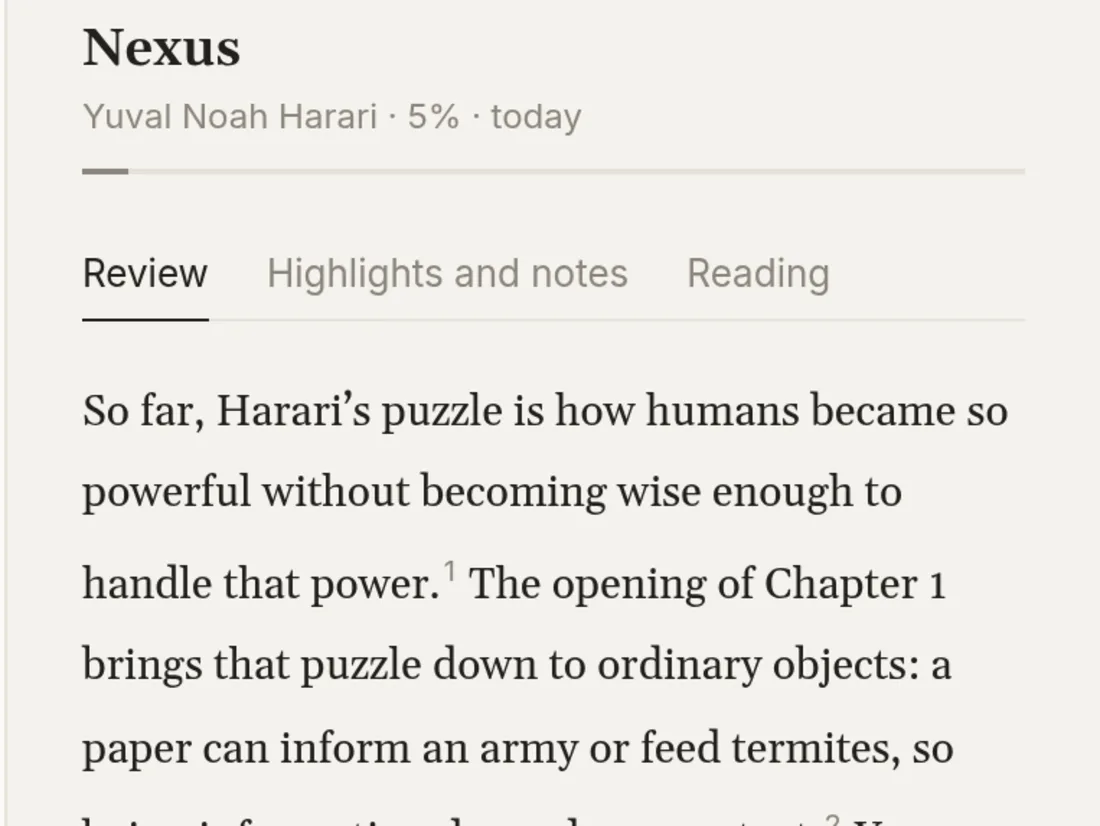
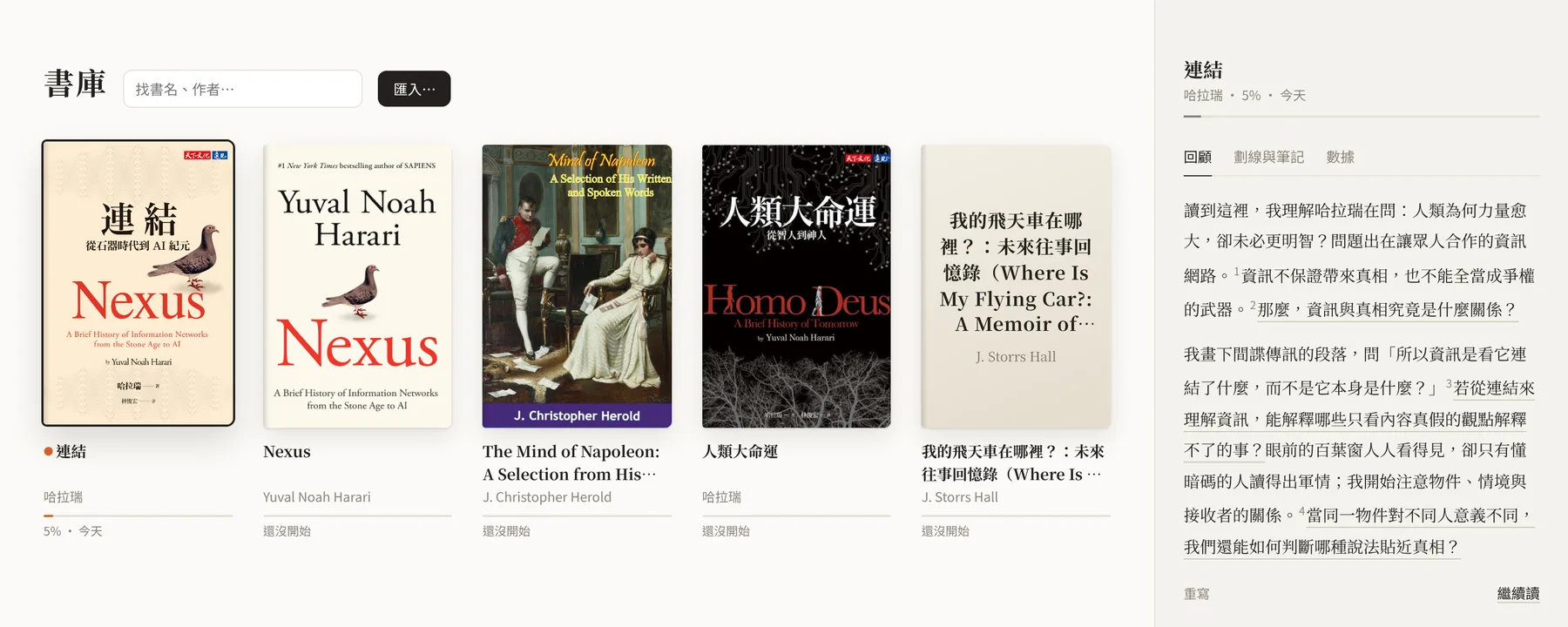
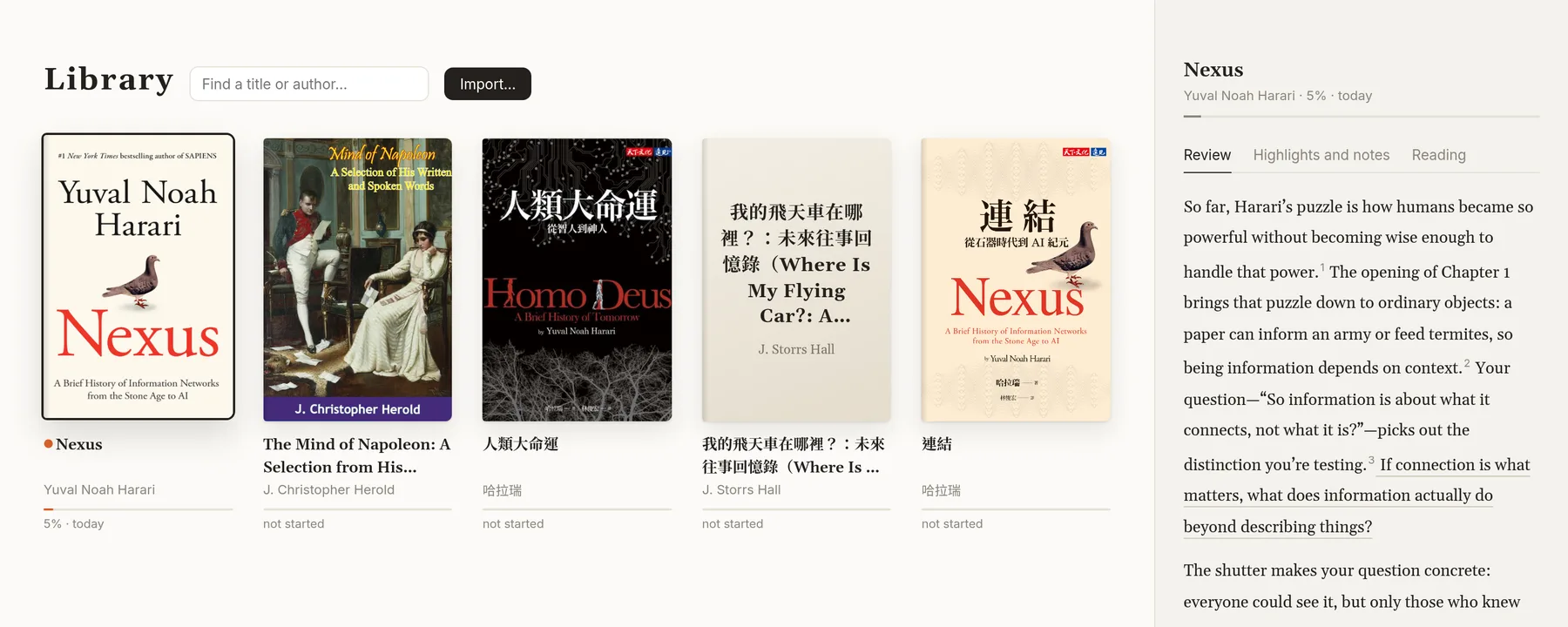
書庫:回顧與從哪裡開始Library: review and where to start
讀過的書,agent 寫下你目前的理解;還沒開始的書,從你在別本書的劃線找入口。For a book you've read, what you understand so far. For a new one, ways in from what you marked in other books.

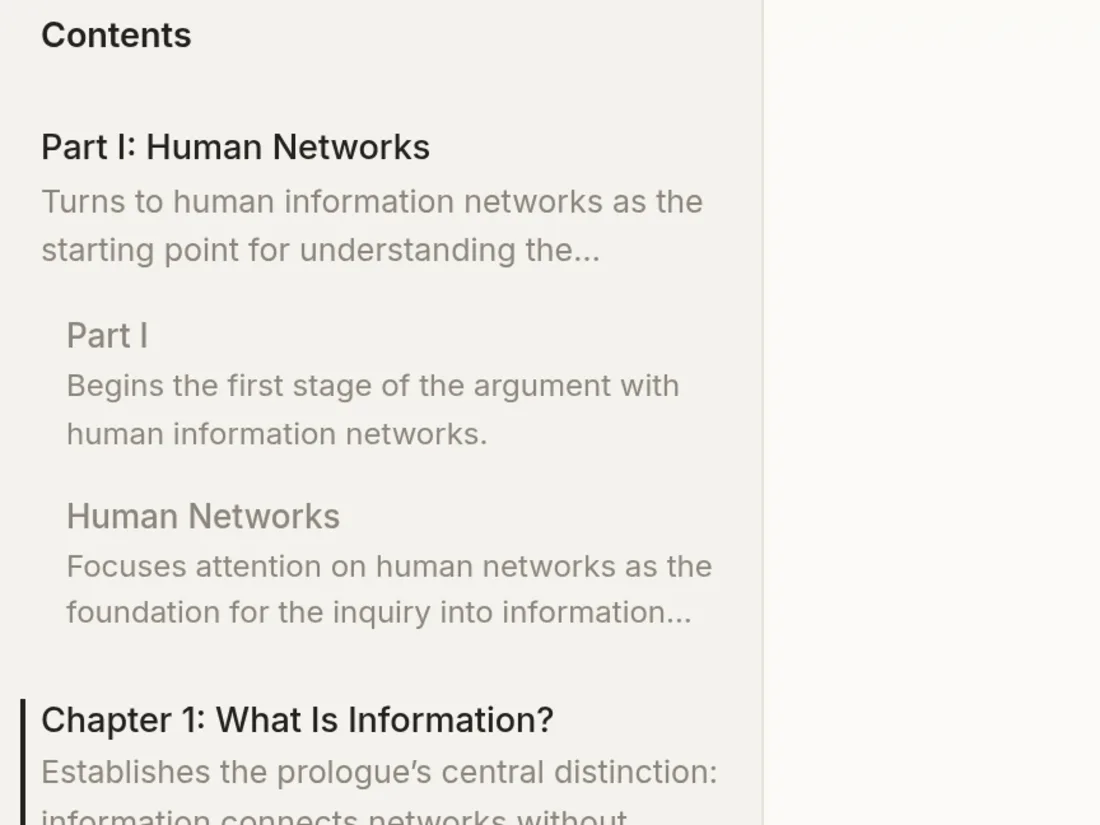
目錄:每章一句話Contents: a line for every chapter
第一次打開書,agent 就把每一章、每一節寫成一句話,再潤飾成一份導讀。The first time you open a book, the agent writes one line for every chapter and section, then edits them into one guide.

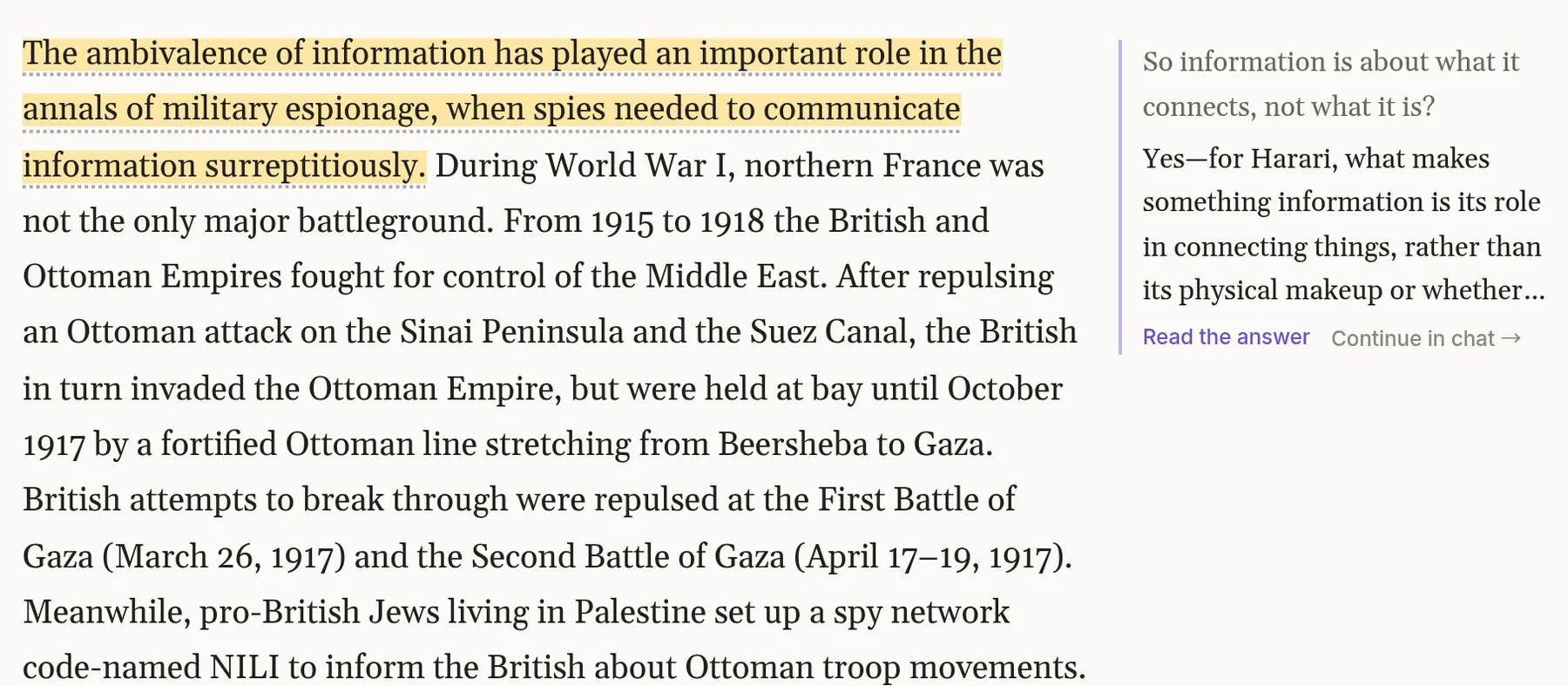
劃線與留言Highlights and notes
選一句就是劃線。打個問號寫下問題,答案寫在頁邊。Select a line to highlight it. Type a question and the answer appears in the margin.

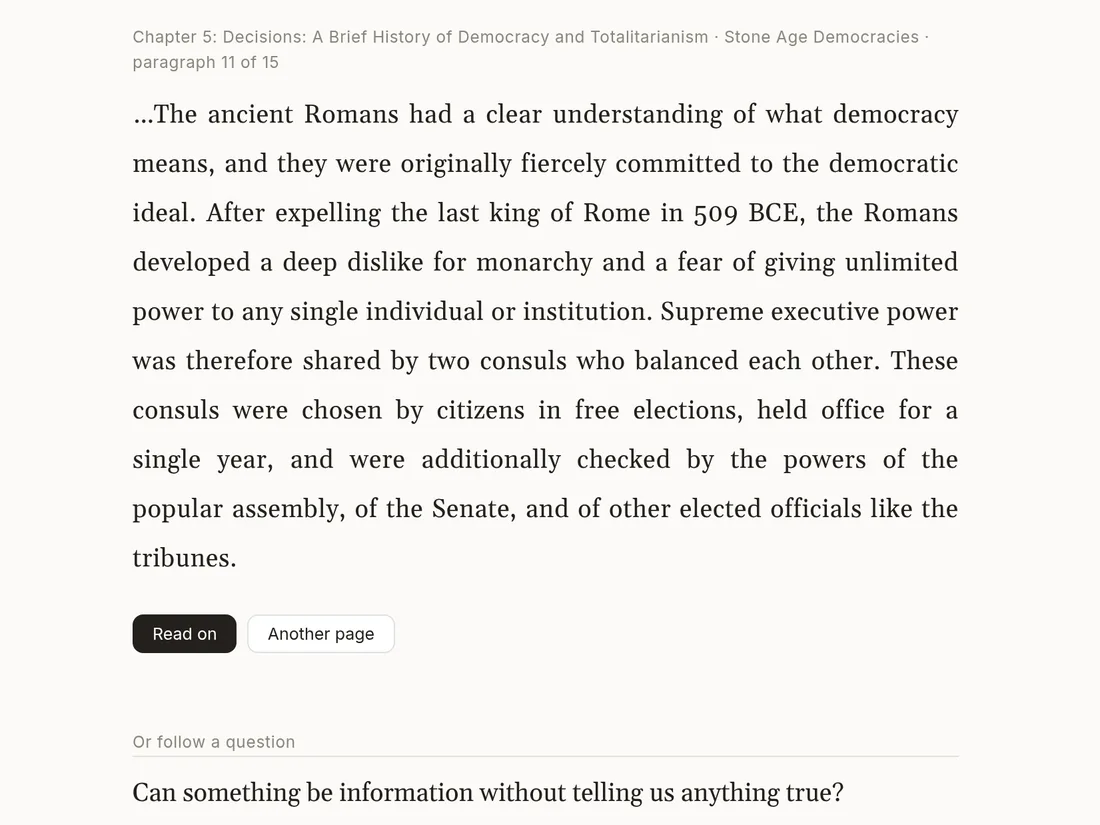
隨手翻Flip
按 R 翻到中間的某一頁,或從三個問題翻進去。讀完,一鍵回到上次的地方。Press R for a page from the middle, or start from one of three questions. One key takes you back.
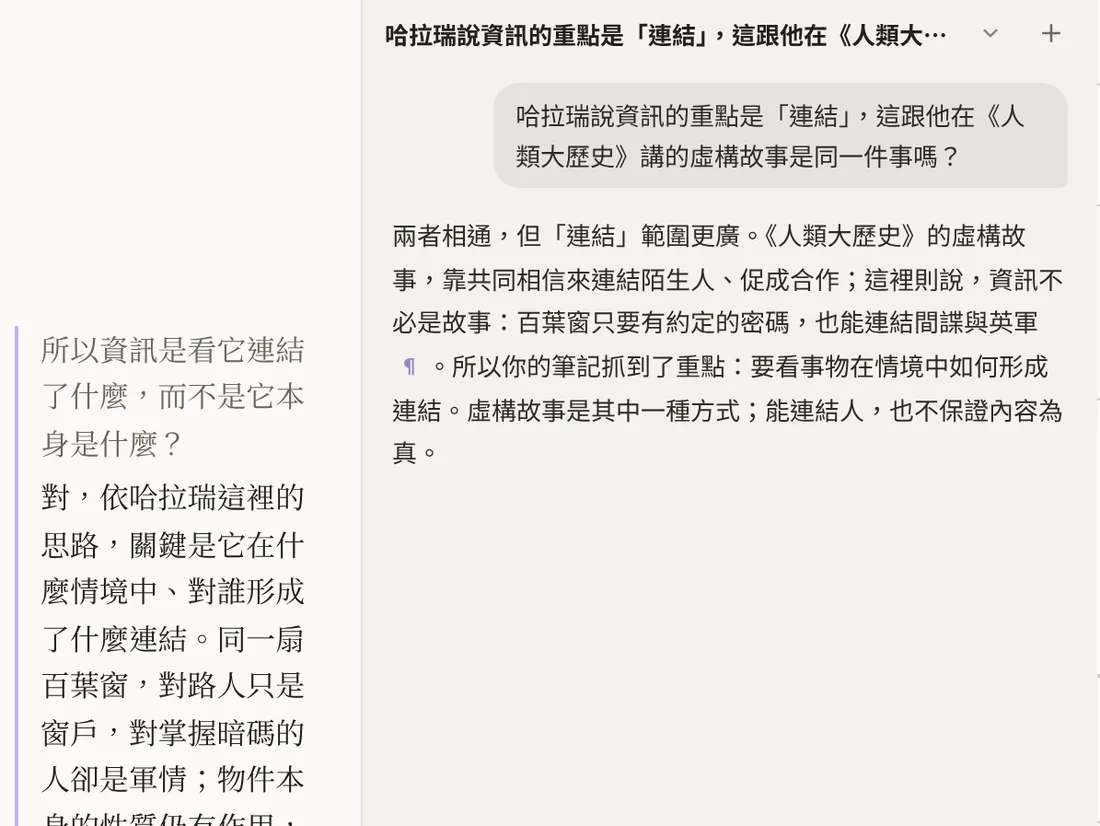
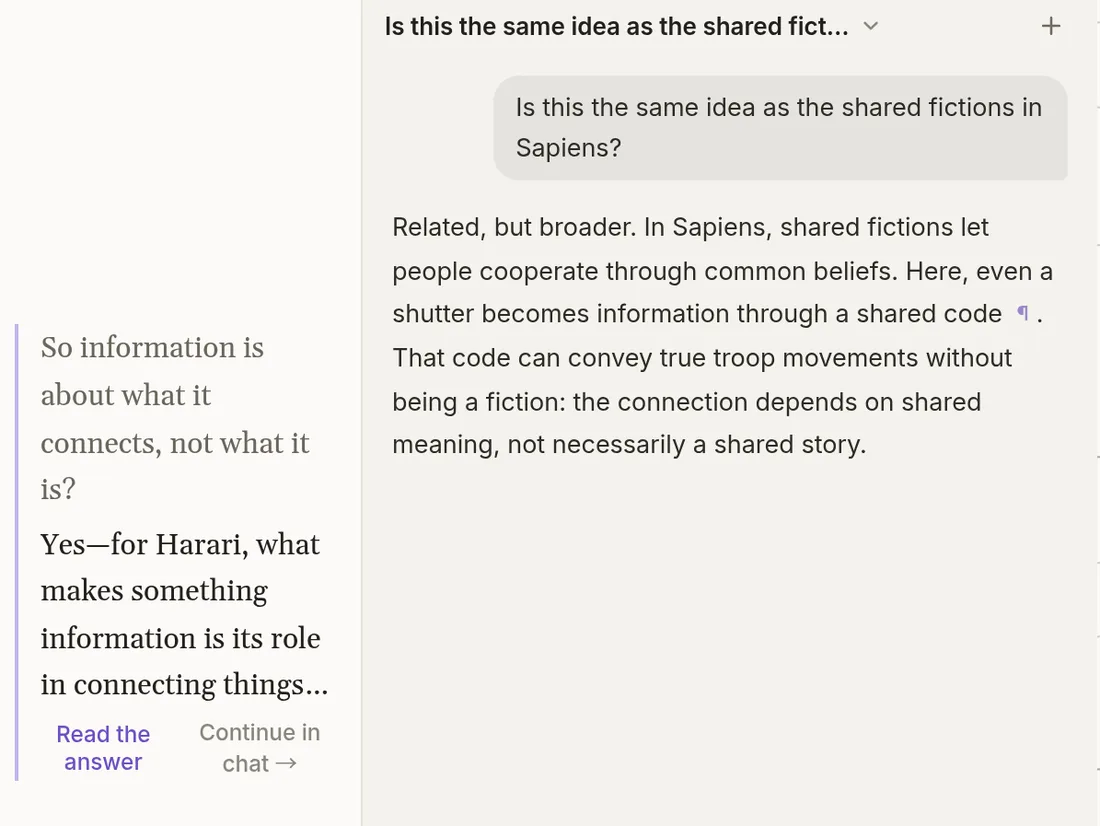
問 AIAsk AI
對話知道你在讀哪一段,引用點一下就回到原文。A chat that knows the passage you're on. Its citations take you back to the text.
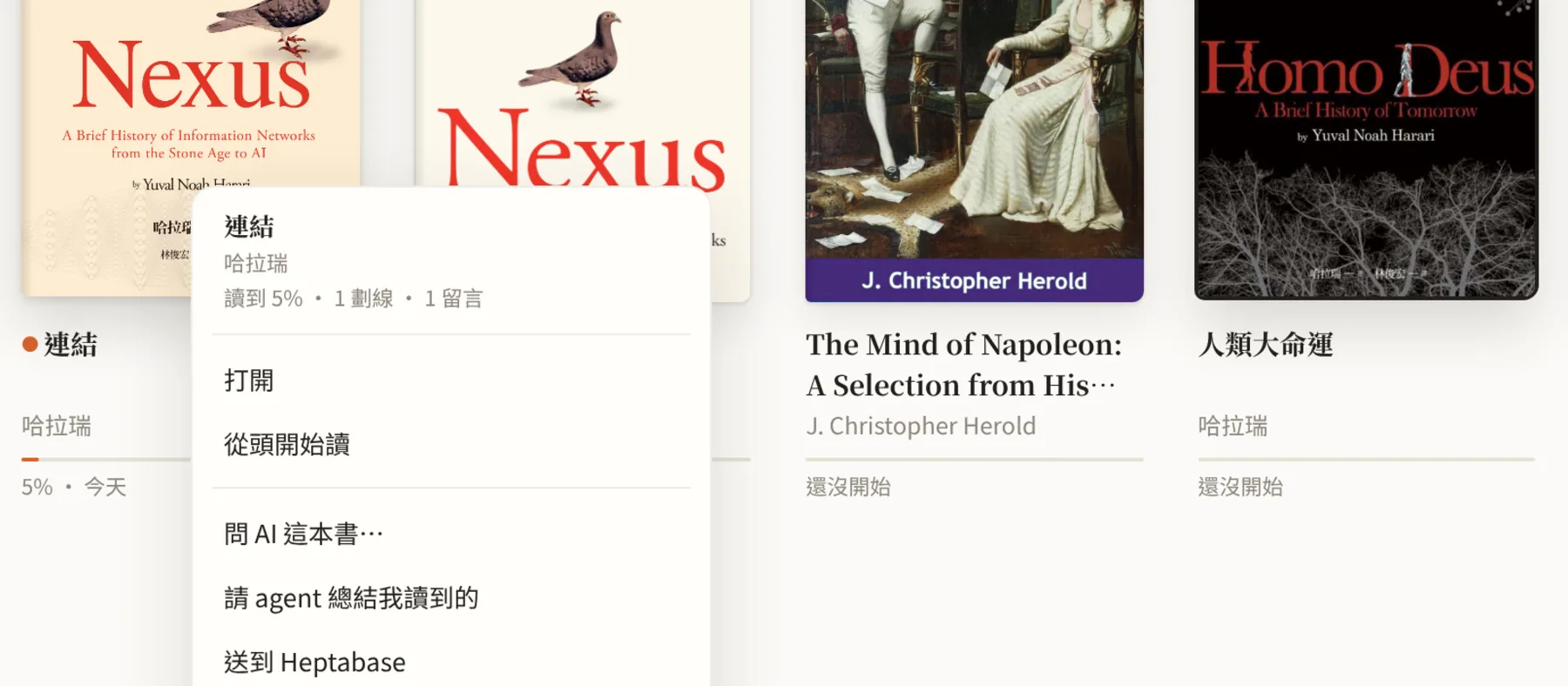
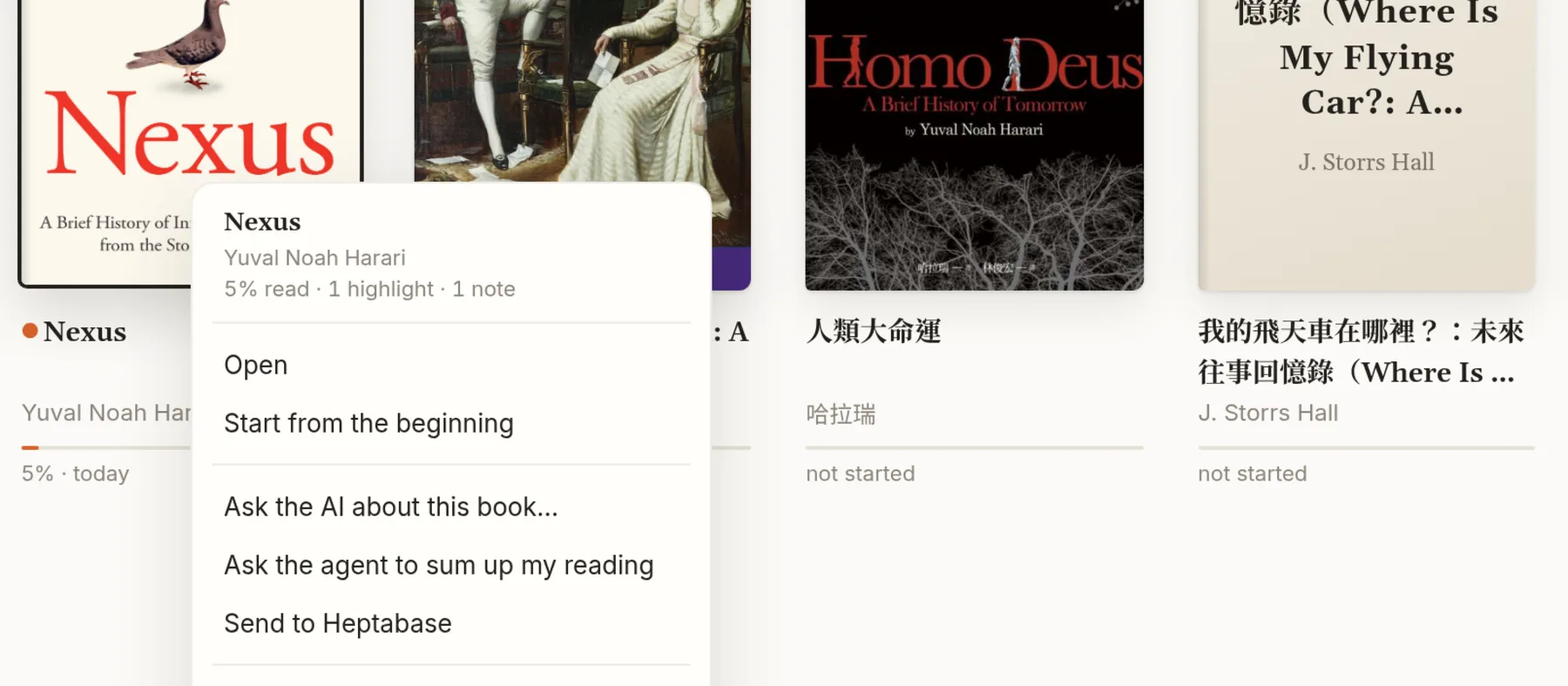
送到 HeptabaseSend to Heptabase
一本書的劃線和筆記,透過你 agent 的 Heptabase 連線送過去。Send a book's highlights and notes through your agent's Heptabase connection.
你的 agentYour agent
用你自己的 agent,書留在你的 Mac。Your agent. Your books stay on your Mac.
Codex 或 Claude CodeCodex or Claude Code
用你已經在付的方案,不用另一個帳號。It runs on the plan you already pay for. No new account.
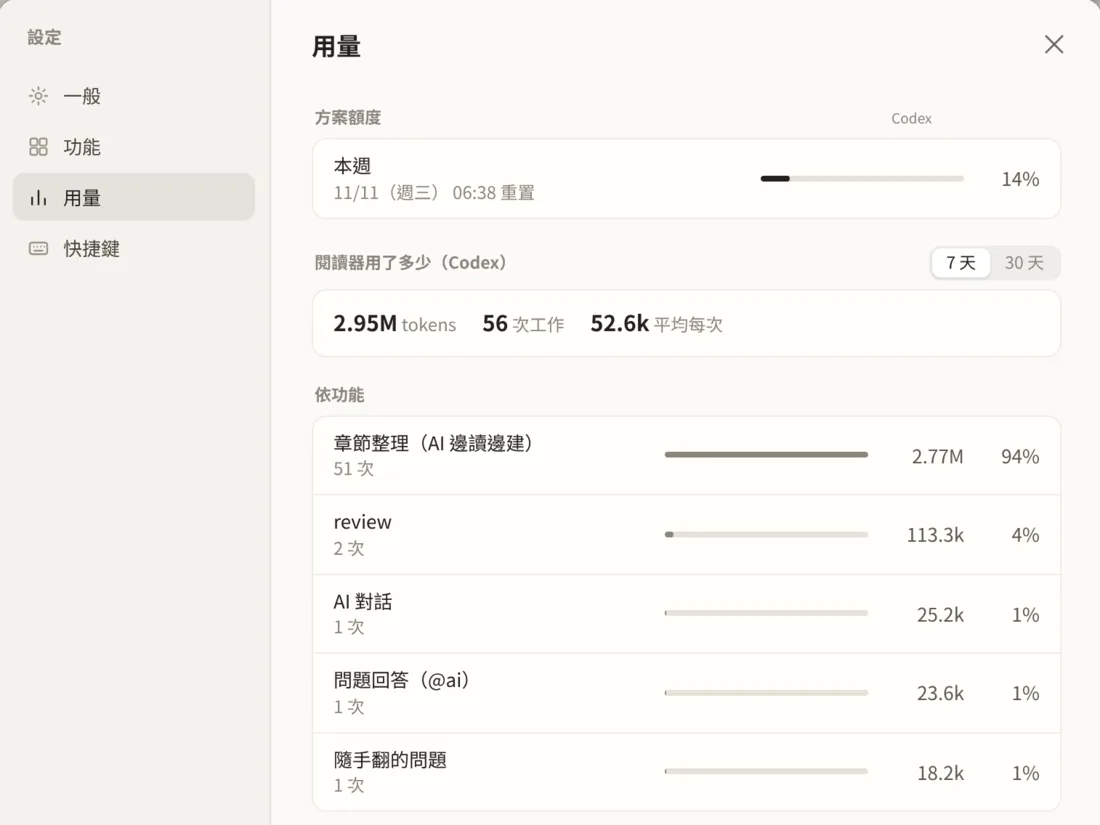
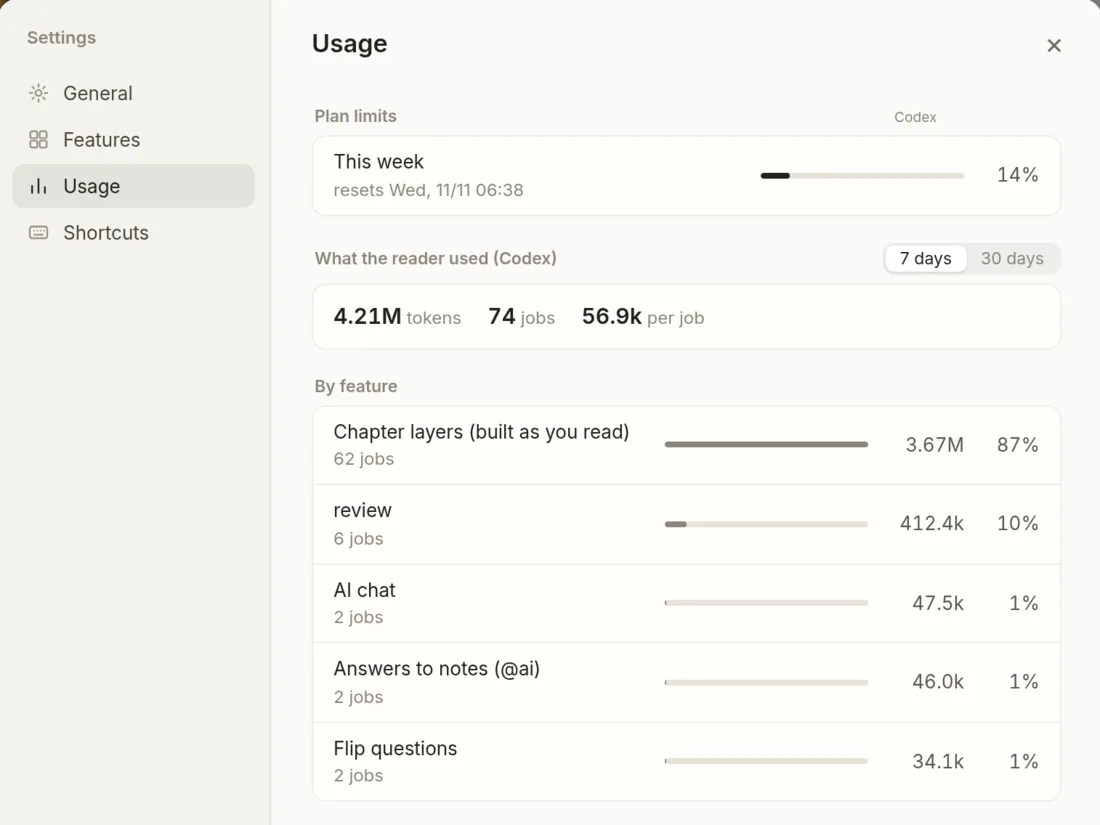
看得到用量See what it uses
每個功能、每本書用了多少 token,方案還剩多少。Tokens per feature and per book, and how much of your plan is left.
普通的檔案Plain files
書、劃線和筆記都放在
~/Documents/Bookish。Books, highlights and notes live in~/Documents/Bookish.每個功能都能關Every feature is a switch
在 ⌘ , 關掉不要的功能,也可以請 agent 寫一個新的。Turn off what you don't want in ⌘ , or ask your agent to write a new one.
Bookish
Mac 版即將推出Coming soon for Mac